ChatBIQ — Business Intelligence Quotient
How ChatBIQ Works

Turn Your Business Information Into a
Smart AI Chatbot

Chatbiq transforms your website, documents, product information, and business data into a smart AI assistant that can answer customer questions using your own information. Set it up without complex development work and give customers instant access to the answers they need.

Start With ChatBIQ
  • No complex development
  • Setup in minutes
  • Your data stays private
A simple six-step process

From business information to better customer answers

Everything you need to build, launch, and improve your own AI assistant—without the technical complexity.

Create Your Chatbiq Account
Start With a Simple Setup

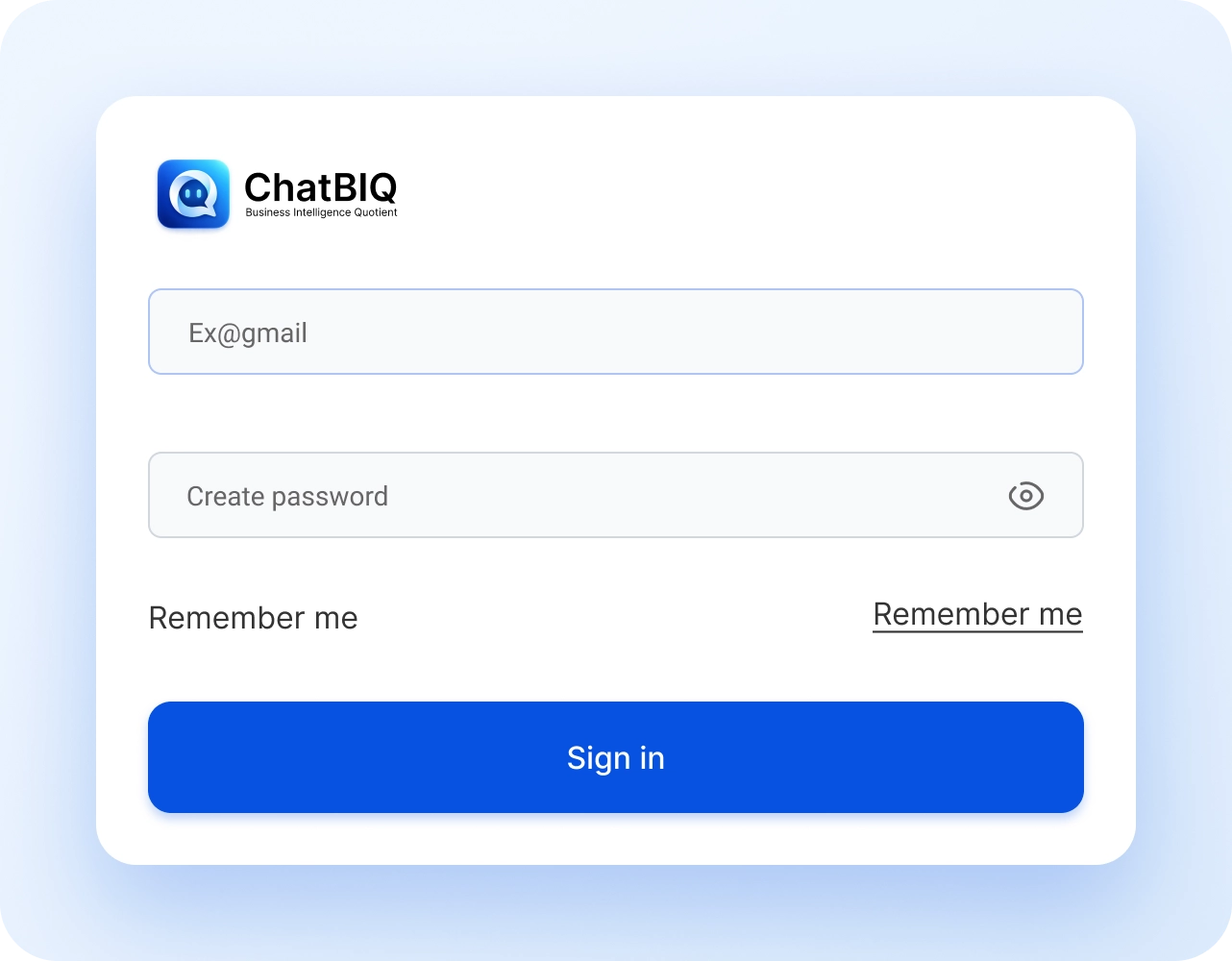
Create your Chatbiq account using your email address, verify your account, and choose the plan that fits your business. Add your website address so Chatbiq can verify your site and generate your unique license key.

Get Started
ChatBIQ account setup screen
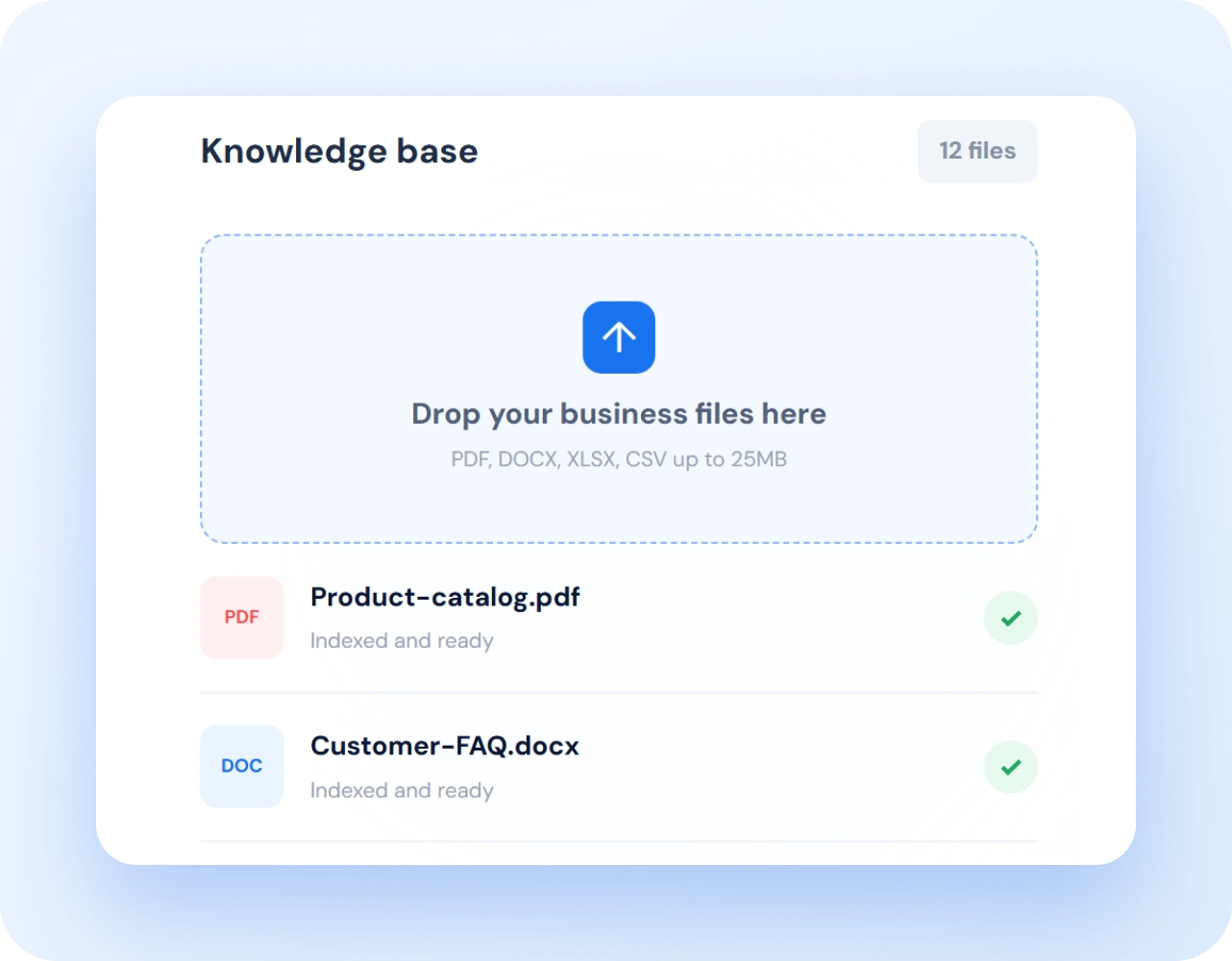
Knowledge base upload screen
Upload Your Business Knowledge

Give Your AI Assistant the Right Information

Upload the information your business already uses to answer customer questions. Add PDFs, Word documents, spreadsheets, FAQs, policies, price lists, product specifications, manuals, terms and conditions, and other important business content.

Let Chatbiq Index Your Information

Turn Business Content Into Searchable Knowledge

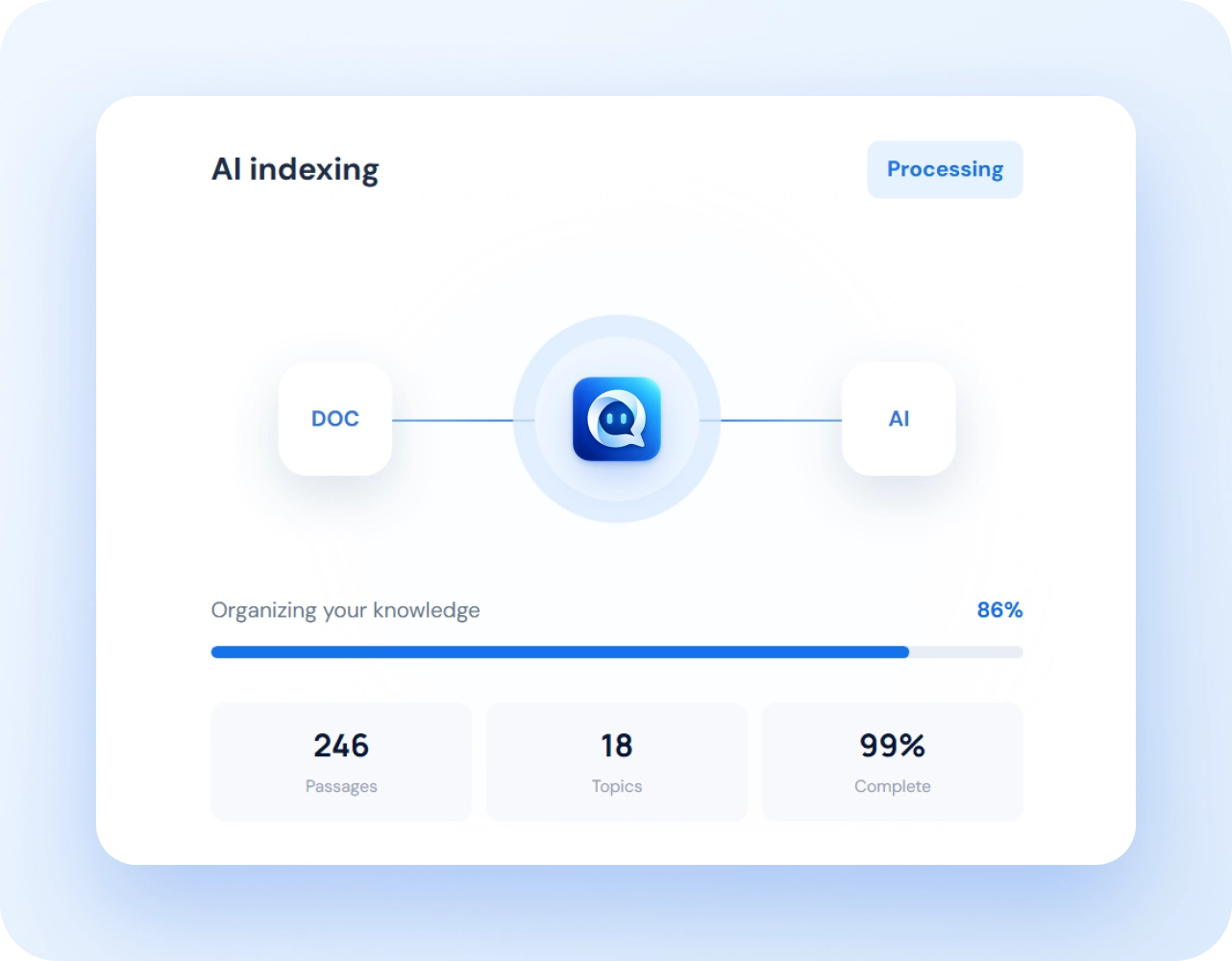
Chatbiq processes your uploaded information, extracts and organizes the important content, and breaks it into useful passages. AI indexing helps the assistant understand the meaning behind your information, so it can find relevant answers even when customers ask questions using different words.

AI indexing and knowledge processing screen
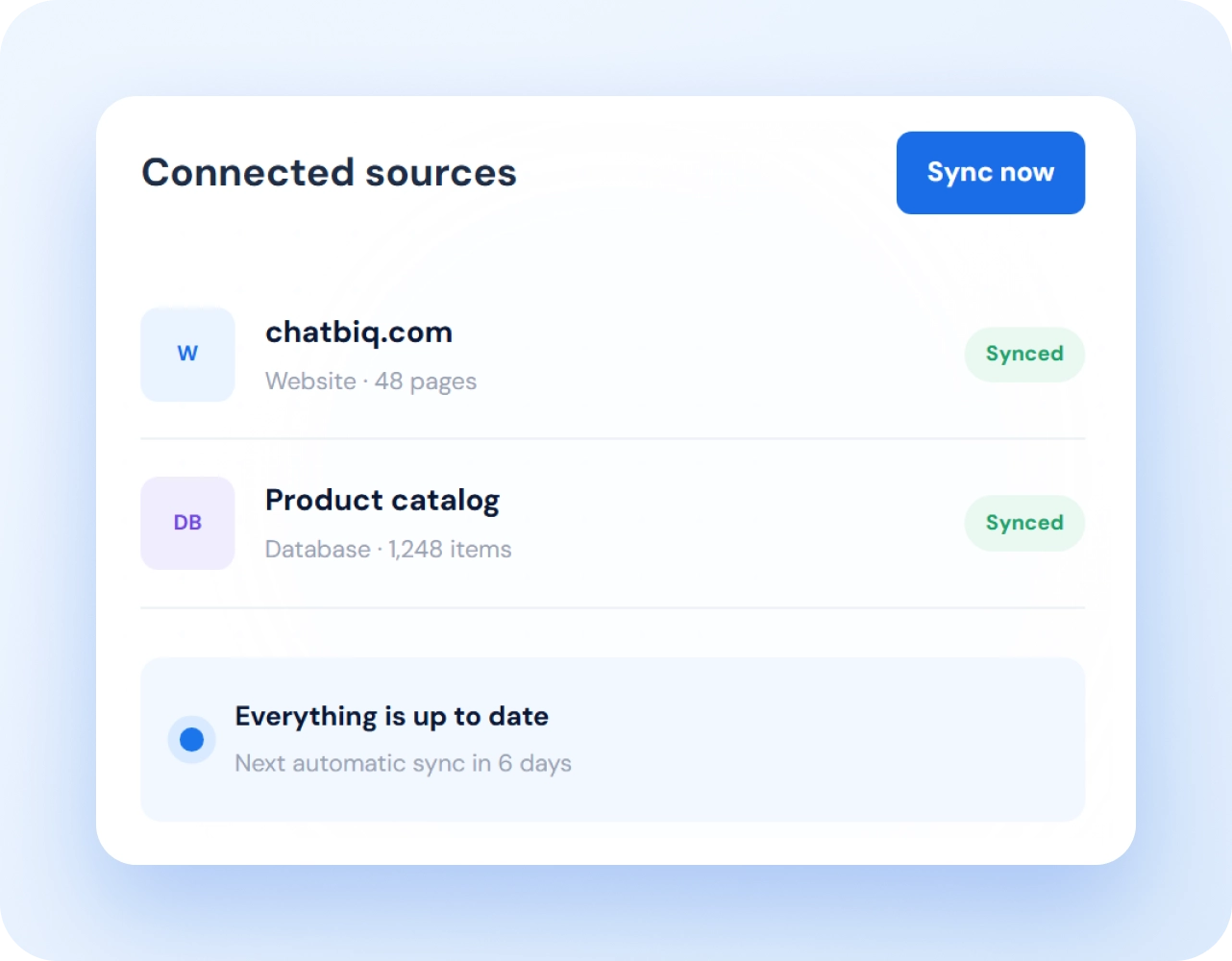
Connected live business data screen
Connect Your Live Business Data

Keep Your Information Connected

Connect website pages and other supported business or product data sources to your Chatbiq account. Chatbiq fetches the information and keeps a copy in your private business storage.

Add Chatbiq to Your Website

Put Your AI Assistant Where Customers Need It

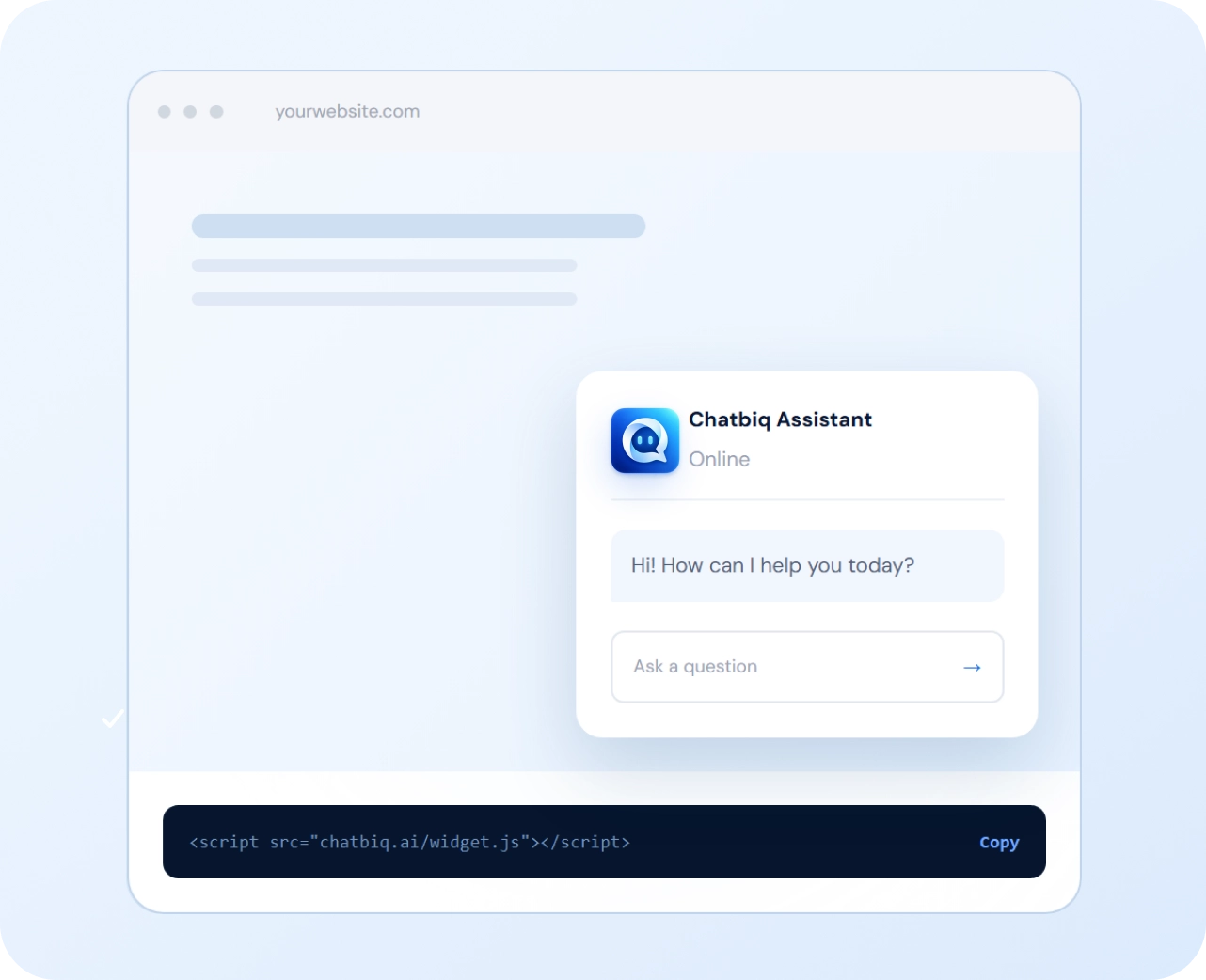
Add Chatbiq to the website your customers already use and make helpful answers available right where they need them.

ChatBIQ added to a business website
Assistant monitoring and insights screen
Monitor, Learn & Improve

Keep Improving Every Answer

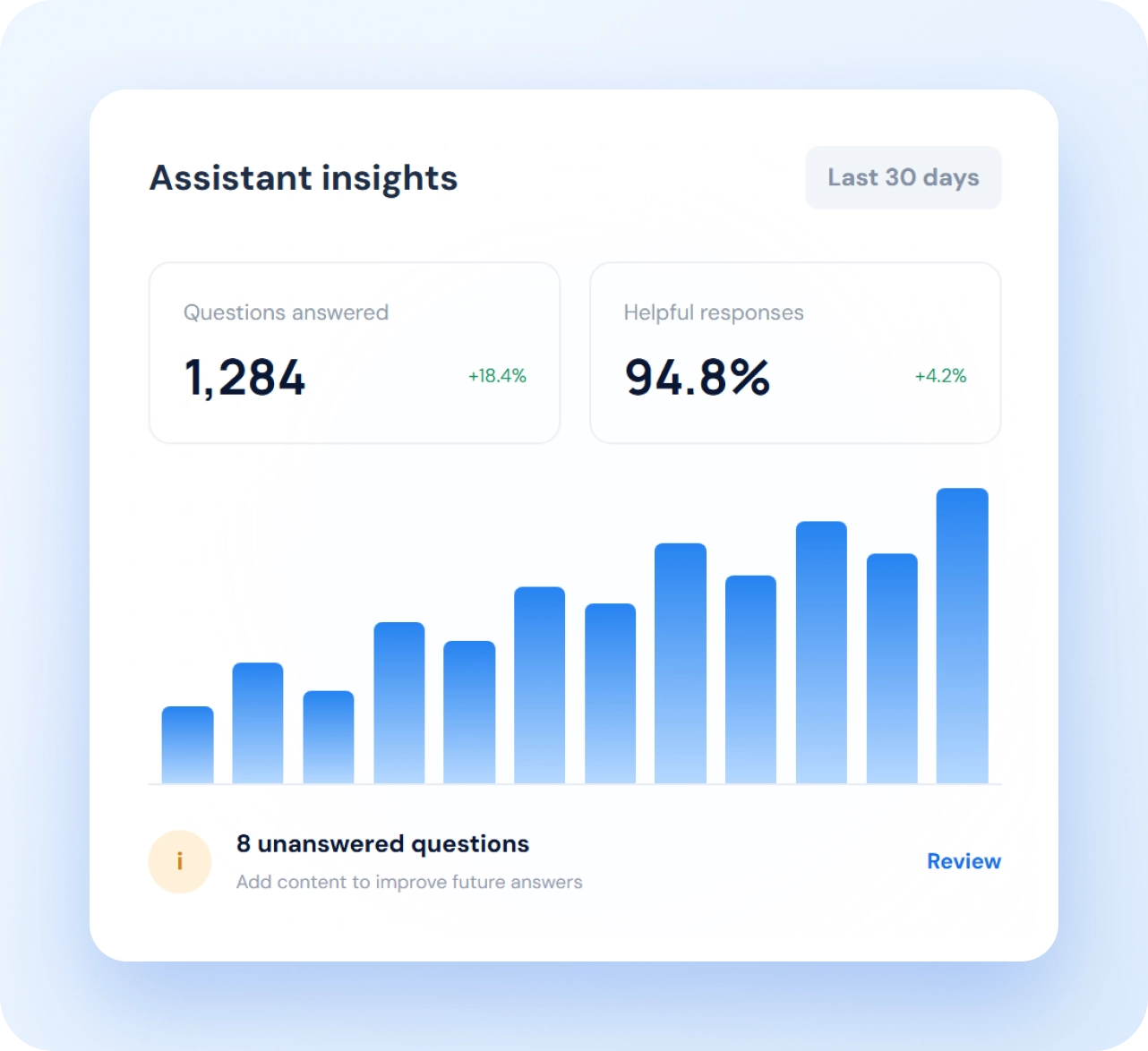
Review how your assistant is helping customers, keep its information up to date, and improve the experience as your business grows.

From Business Information to
Better Customer Answers

One Simple Process. One Smarter Website Assistant.

Tell us what your business uses, and we'll help Chatbiq make your business information easier for customers
to access, understand, and use—whenever they need it. Find the right way to connect it with Chatbiq.

  1. 1Create account
  2. 2Upload knowledge
  3. 3Index information
  4. 4Connect data
  5. 5Add to website
  6. 6Improve
Start With ChatBIQ
Ready when you are

Make your business knowledge
work harder for your customers.

Build a smarter customer experience with an AI assistant trained on
the information your business already has.

Create Your Account No credit card required · Setup in minutes

Frequently Asked Questions

Everything you need to know about setting up and running your AI assistant.

How does Chatbiq work?

Chatbiq uses your business documents, product data, and website information to create an AI assistant that answers customer questions using your own business information.

What type of documents can I upload?

You can upload PDFs, Word files, spreadsheets, FAQs, policies, price lists, product specifications, manuals, terms and conditions, and other business documents containing useful information.

How does AI indexing help the assistant?

AI indexing organizes your business information into searchable passages based on meaning. This helps Chatbiq find relevant information even when customers use different words or phrases in their questions.

How often is connected business data updated?

Connected business or product data is automatically refreshed every seven days. You can also use Sync Now whenever you need an immediate update.

How can I monitor and improve the AI assistant?

Visitors can provide thumbs-up or thumbs-down feedback, while unanswered conversations are recorded. You can review these interactions to identify missing information and improve your business content.